

For frame & gift shops
One frame. A whole moment behind it.
Pair a meaningful print with its video and let people scan it in a browser. The photograph stays visually unchanged.
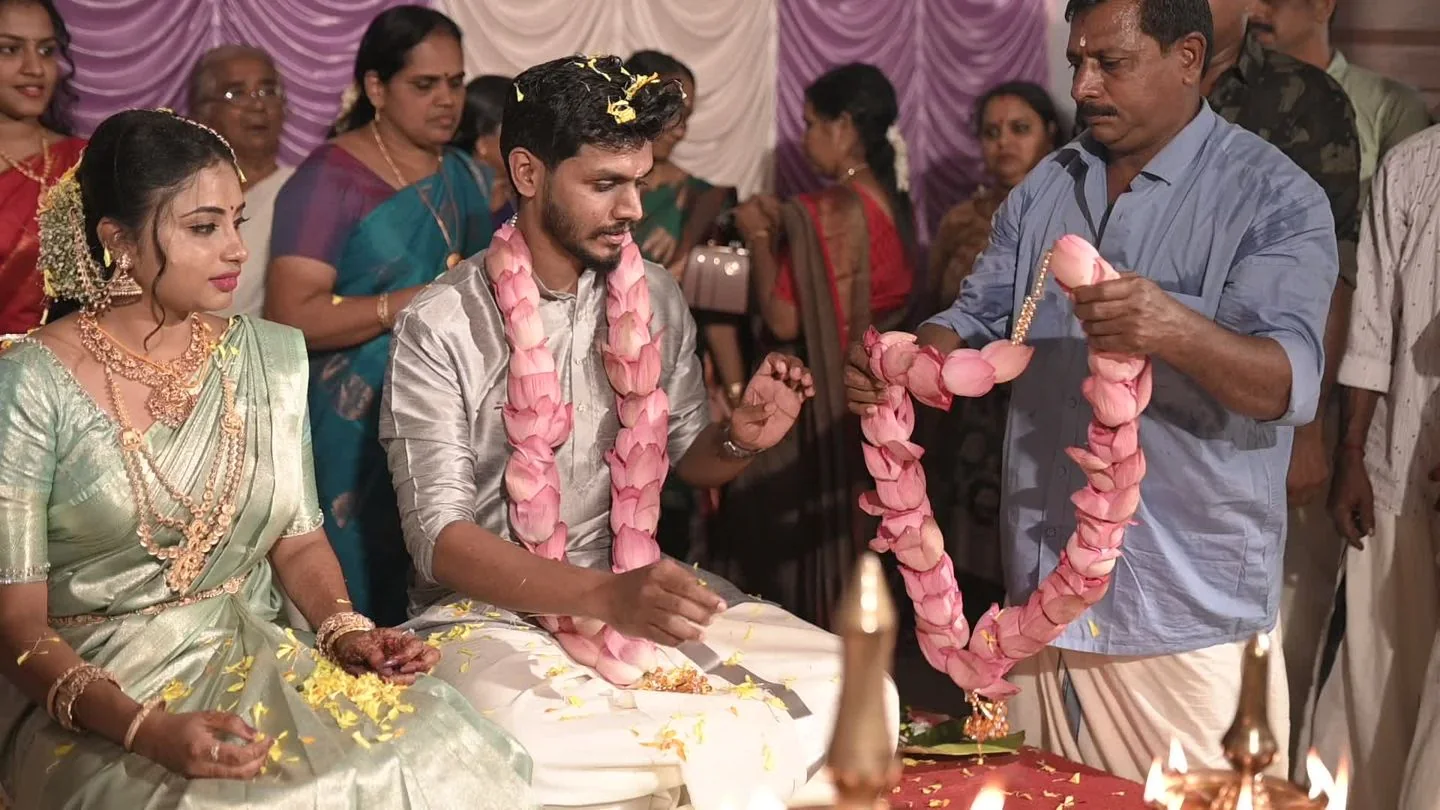
Nothing printed on top
The photograph stays the photograph.
Knotclick recognises the photograph you prepared and opens its linked video. For public photos, customers open knotclick.com/scanner and allow camera access. No account is needed.
- No visible QR overlay
- Preview before the handoff
- Choose public scanning or private access
Frame workflow
Four deliberate steps.
From choosing the pair to the customer scanning it at home.
- 01
Choose
Select the photograph and the short clip that belong together.
- 02
Prepare
Create and preview the enabled memory before the product leaves your shop.
- 03
Publish
Prepare photo scanning and choose public scanning or private invitations before publishing.
- 04
Relive
Public viewers open knotclick.com/scanner. Private viewers sign in and use Scan photos in their workspace.
Ready when you are
Make the frame worth opening twice.
Create an album, pair a photograph with its video, and preview your first memory. Choose private invitations or public photo scanning when you publish.